PiWeb Advanced Flat rate / Conditional shipping for WooCommerce Pro
WordPress plugin
PiWeb Advanced Flat rate / Conditional shipping for WooCommerce Pro
PiWeb Advanced Flat rate / Conditional shipping for WooCommerce Pro uses rules to decide when a shipping method appears and how its charge is calculated. Each method can use one condition or a combination, so rates can reflect the destination, cart, products, customer, or order history. Additional charges can create table-rate-style costs.
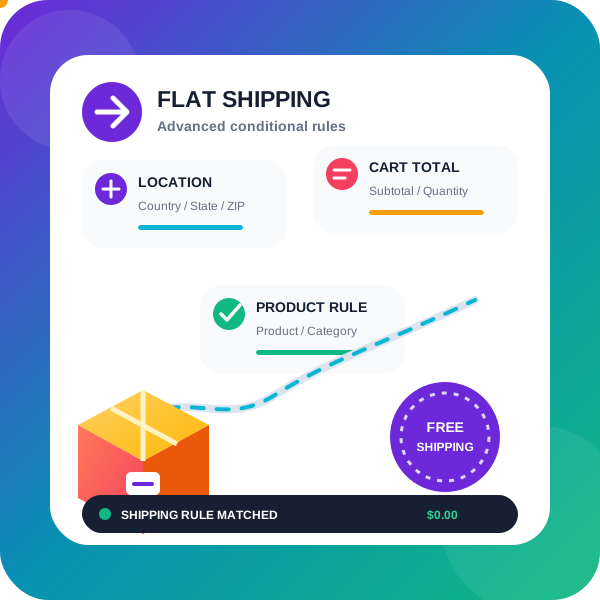
PiWeb Advanced Flat rate / Conditional shipping for WooCommerce Pro uses rules to decide when a shipping method appears and how its charge is calculated. Each method can use one condition or a combination, so rates can reflect the destination, cart, products, customer, or order history. Additional charges can create table-rate-style costs.
Match rates to shipping conditions
Base conditions cover state or county, postcode ranges, city or town, country, products, product categories, cart subtotal, quantity, user, free-shipping coupons, backorders, and currency. A method can apply to more than one shipping zone. An option can show one eligible method, selected by its highest or lowest shipping charge.
PRO includes rules for the customer's shipping zone, cart subtotal after discounts, total cart weight, and the maximum product width, height, or length. The discounted subtotal rule can exclude virtual products. Other conditions can check for an applied coupon, shipping class, payment method, user role, city, or selected product attribute. Rules can also match shipping-class totals or quantities, or an exact set of products or categories being present or absent.
Customer and order rules include first orders, the previous order total, order count, and total spend over the last month. Membership integration can match a customer's membership plan. Subscription rules can check whether the cart contains a subscription product or whether the customer has an active subscription. Time-of-day and day-of-week conditions are also available. A selected-delivery-day rule requires a separate delivery date and time plugin.
Split orders into shipping packages
The package manager groups products so one order can use separate shipping methods and costs for each package. PRO grouping options include product, category, shipping class, attributes, price, and stock status; virtual categories can also be used. For example, fragile and non-fragile products can go into various packages, each with its own per-item charge.
Set charges and virtual product groups
The PRO cost field works with a flat charge per item, a percentage-based cost, or a minimum fee. Use [qty] for the number of products in the cart and [fee] for an additional fee. The fee accepts percentage and minimum-fee arguments, and additional charges can add to or subtract from a base shipping charge according to conditions.
Virtual categories group products for shipping without changing the website's URL structure. In PRO, you can include or exclude individual products and variations in a virtual group, then use that group in shipping conditions.
Choose which methods appear
When a method applies, PRO options can hide other shipping methods, methods from this extension, or lower-priority methods from this plugin. Options can preserve WooCommerce Local Pickup. You can also combine multiple shipping methods into one rate and hide the component methods while the combined rate is shown. If configured rules hide every shipping method for a physical-product order, the customer cannot proceed to checkout.